
Golf Coaching App: What Coaches Actually Need in 2026
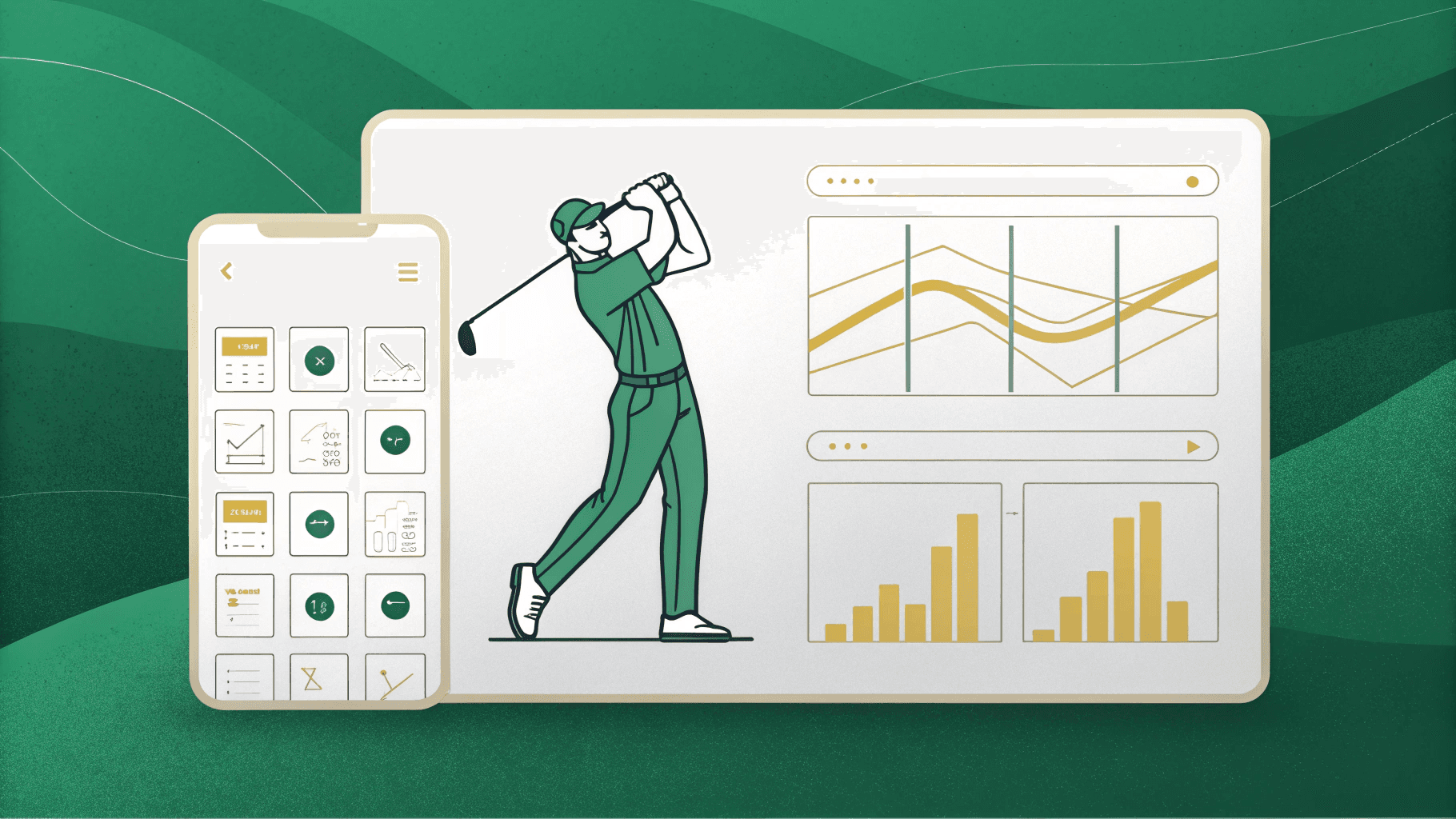
In 2026, you need more than an app that records swings and leaves you reviewing footage later. The best golf coaching apps deliver real-time feedback, biomechanical tracking, video analysis, and smooth coach-student integration. You shouldn’t have to narrate every rep or manually chase students across disconnected platforms. The right stack reduces your operational workload while accelerating student improvement. Stick around to find out exactly which tools belong in yours.
Why Most Golf Coaching Apps Still Fail Real Coaches
Despite the flood of golf apps hitting the market, most still leave real coaches frustrated. You need more than a pretty interface—you need tools that actually support how coaching works.
Most golf coaching app options focus on individual users, ignoring the coach-student relationship entirely. They track stats or record swings but can’t organise multiple students, deliver structured feedback, or build practice plans at scale.
Most golf coaching apps were built for players—not the coaches managing them.
As a coach, you’re managing progress, communication, and accountability simultaneously. Generic coaching app golf solutions weren’t built for that workflow.
Most golf coaching software also lacks real-time feedback, forcing you to review footage manually and respond hours later. That delay breaks momentum.
Effective coaching also requires giving students a single, focused cue to act on—because a golfer’s mental operating system performs best when cognitive load is reduced to one clear thought.
In 2026, coaches need apps designed around their process—not repurposed consumer tools that barely scratch the surface.
What Every Golf Coaching App Has in Common
Despite their differences in pricing and interface, most golf coaching apps share the same core feature set: video analysis with slow-motion playback, biomechanical tracking, student management and scheduling, communication tools, and some form of drill delivery.
These features handle the lesson itself — what happens when coach and student are together. They capture swing data, organise feedback, and manage the business side of coaching.
What none of them capture is what happens after the student leaves.
Between lessons, your student plays rounds, makes decisions under pressure, abandons their swing thought on the 7th hole, and arrives at the next session with a fading memory of what went wrong. That between-lesson blind spot is where students disengage and progress stalls — and it sits entirely outside the scope of every coaching app on the market.
ClarityCaddie doesn't compete with video analysis or scheduling tools. It fills the gap they were never designed to address. ClarityCaddie’s mental performance framework, drawn from sports psychology research, provides coaches with tools to address the cognitive side of the game alongside the physical.
Which Golf Coaching Apps Deliver Real-Time Feedback That Sticks?
Real-time feedback only works if it reaches you fast enough to change your next swing—and most apps don’t clear that bar. Most tools record, then review. That gap breaks your rhythm and weakens retention.
Real-time feedback that arrives too late isn't feedback—it's just a record of what went wrong.
AI-powered pose detection tools close that gap. Using 30+ body point tracking, the best systems evaluate your swing against biomechanical checkpoints and deliver voice cues within seconds of your follow-through. You hear what to fix before your next rep begins.
As you improve, the cues evolve—no phone-touching required between swings.
That continuous swing-hear-adjust rhythm is what makes feedback stick. It mirrors how effective in-person coaching works: immediate, specific, and progressive. Research shows that using external attention cues during a swing helps golfers perform more consistently under pressure, which is why voice-delivered cues that direct focus outward are more effective than internal reminders. No other app currently matches this rep-by-rep voice feedback loop, making real-time pose detection coaching the clearest path to practice that actually transfers to your game.
How AI-Powered Feedback Keeps Coaches Focused Between Every Rep
Fast feedback changes your swing — but it also changes how a coach operates. When a pose detection system delivers voice cues within seconds of every follow-through, you’re freed from narrating each rep manually.
Advanced motion tracking handles objective evaluation, so you can watch movement patterns instead of managing your phone.
Between reps, the best systems adapt their cues based on what's improving, automatically shifting focus to the next biomechanical priority.
You don’t know what’s interrupting the rhythm to recalibrate instruction — the technology does it for you.
Each rep also logs scored metrics across key movement categories, giving you a data trail that’s already organised by the end of the session.
That means your attention stays where it matters: on the golfer in front of you. Keeping instruction anchored to a single mechanical priority per rep reduces cognitive load for both coach and golfer, protecting the focus that drives real improvement.
Which Video Analysis Apps Give Coaches the Most Control?
When real-time feedback hands the coaching reins back to you, video analysis tools give you a different kind of control—one built around deliberate review rather than instant cues.
Some tools let you build annotated feedback with voiceover, slow motion, and side-by-side comparisons that your student can revisit anytime.
While others add frame-by-frame breakdowns with reference lines, making it easier to pinpoint mechanical errors and manage drill progression.
The best remote coaching platforms let you connect with students anywhere and compare their game directly against other reference models.
Each platform serves a distinct coaching style.
If you want visual precision and asynchronous control, these tools deliver it.
They don’t replace in-the-moment feedback—they complement it, giving you a structured layer of analysis that sharpens every coaching decision you make.
Video analysis tools focus on the technical side of the game, but swing coaching and mental performance address fundamentally different needs—mechanical improvement alone doesn’t explain why a golfer can execute a shot perfectly in practice and fall apart under tournament pressure.
Progress Tracking Golf Coaching Apps Actually Deliver
The right app turns scattered practice into measurable growth.
Progress tracking answers the harder question—are you actually getting better?
Here’s what strong progress tracking actually delivers: real game data with AI-powered club performance summaries, score and distance tracking across every round with reliable GPS accuracy, automatic handicap updates synced with your national governing body, round-by-round stats broken down club by club, and biomechanical scoring that measures physical improvements over time.
These are all physical metrics — and they matter. But they measure what happened on the scorecard, not what happened between your ears. The golfer who tracks both physical performance and mental process has the complete picture. The golfer who tracks only one is improving blind.
Coach-Student Integration Features That Actually Justify the Subscription
Tracking your own progress only gets you so far—at some point, you need an expert eye to catch what the data misses. That’s where coach-student integration tools earn their subscription cost.
Most coaching platforms serve as central hubs for video feedback, communication, and the organisation of progress between you and your coach. Others connect you directly to remote instructors who deliver personalised swing analysis and targeted practice plans.
The strongest platforms provide coaches with tools to record swings, deliver structured feedback, and actively manage drill progression. Others go further with full programme libraries covering every aspect of the game, plus live sessions that students can join.
These platforms don’t just store footage—they create an ongoing, responsive relationship that accelerates improvement in ways solo training can’t match.
Which Golf Coaching App Fits Your Coaching Model?
How you coach determines which tools deserve your money. Your teaching style, student load, and feedback rhythm all point toward different categories.
If you deliver remote video reviews, prioritise platforms with async feedback and student organisation. If you coach live lessons, look for real-time replay that supports in-session breakdowns. If your approach is biomechanics-heavy, find a platform that offers pose detection and objective, rep-by-rep data. If you build structured programmes, you need drill libraries and practice plan delivery.
But before you choose any of these, ask the question none of them answer: what happens to your student’s mental game between sessions? The coaching app that handles your video and scheduling is solving today’s lesson. The platform that tracks what your student thinks and feels on the course is solving next week’s.
Match the tools to how you actually work — then fill the gap they leave behind.
Forcing the wrong tool into your workflow costs you time and credibility with students.
How to Combine Golf Coaching Apps Without Overcomplicating Your Setup
Most coaches don’t need six apps—they need two or three that handle distinct tasks without overlap.
Start by identifying your gaps: real-time feedback, video analysis, and student communication are three distinct functions that rarely live in a single tool.
A practical stack might look like this: a real-time pose detection app handles in-session, rep-by-rep voice coaching; a video analysis platform manages swing review and progress tracking; and a coach-student communication tool organises messaging and drill delivery.
Each app owns a lane.
The mistake coaches make is downloading tools that duplicate what they already have.
If your real-time feedback tool is already delivering biomechanical cues rep-by-rep, you don’t need another feedback layer.
Pick tools with clear, non-competing roles, introduce them one at a time, and your workflow stays clean instead of cluttered.
References
Stay with your players between lessons
ClarityCaddie shows you what your players are working on between sessions — who’s engaged, who needs attention, and what cues they’re using on the course. If you coach golfers and want to see how this works in practice, we’ll send you a short walkthrough of ClarityCaddie.
Get Started
Tell us a little about your coaching and we’ll get you set up.
Related reading
Aaron Rai's Final Round at the 2026 PGA Championship
Aaron Rai won the 2026 PGA Championship with two layers of mental architecture working together: Sunday leaderboard discipline and a structural identity built over decades.
Jon Rahm's Strategy for External Noise at the 2026 PGA Championship
Jon Rahm shelved LIV funding news until after his round at the 2026 PGA Championship. The information discipline that protects a Tour pro's competitive state.
Justin Thomas's Reaction to the Pace Warning at the 2026 PGA Championship
Justin Thomas was warned for slow play at the 2026 PGA Championship, then backed off his next shot to reset. The interruption clause inside a tour player's sequence.